
5 Free Glitch Presets for Premiere Pro
1. Download Premiere Pro
If you an individual, a single app subscription to Adobe Premiere Pro CC is $19.99/month, or if you are a student and teacher you can get all the Adobe Creative Cloud apps for $19.99/month.
2. Download the Presets from Motion Array
To download 5 free Glitch Presets for Premiere Pro, simply click on the button below which will take you to Motion Array's website where you get download them via DropBox. Thanks Motion Array for making these awesome presets!
3. Watch My Tutorial
You can watch my tutorial below which shows you how to install and use the glitch presets in Adobe Premiere Pro and become a glitch ninja!
4. Check out these other templates I've designed.
Below are some Motion Graphics Template (.mogrts) which have been optimized for use in Premiere Pro's Essential Graphics Panel, others are entire Premiere Pro or After Effects Project Template files that you can customize. Browse my store to find a template for you.
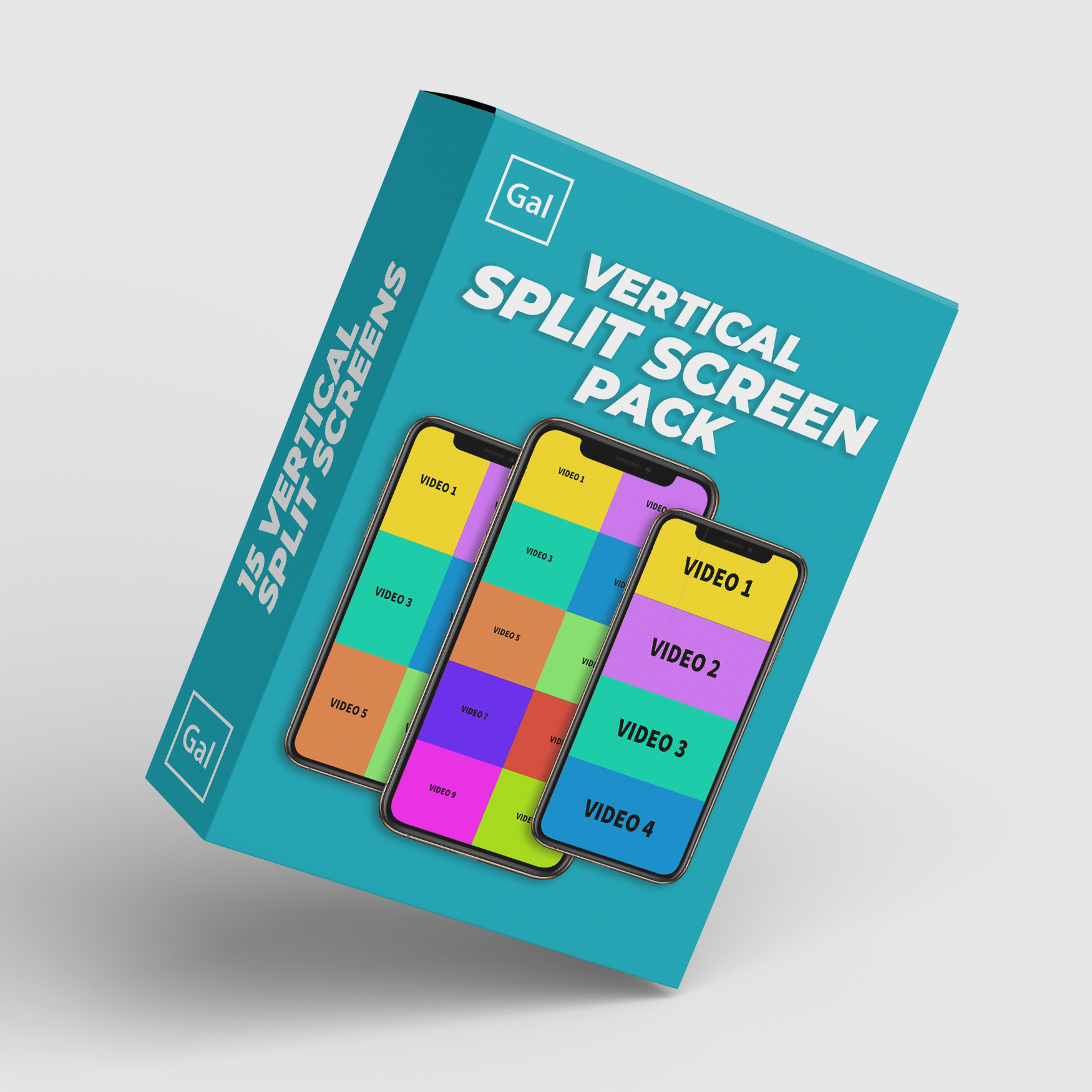
This vertical split screen pack can be used to create dynamic vertical instagram reels and TikToks. There are a total of 15 different split screen variations.
1080 x 1920, 9:16 Vertical Sequences
Drag & Drop Placeholders
Perfect for Instagram Reels and TikToks
Optimized for Premiere Pro Editors
Split Screen Variations Included: 2-split (horizontal, circles, vertical orientations), 3-split (grid and horizontal), 4-split (Horizontal, diagonal, and vertical), 5-split (grid and horizontal), 6-split grid, 8-split grid, 10-split grid.
Bonus! Two sets of Before & After Wipes!
Compatibility: Adobe Premiere Pro 2025 and above. Keep the latest version of Premiere Pro up to date :)
License: Purchase once to use for all individual editing projects, commercial or personal. Please email contact [at] premieregal.com for enterprise or educational use.

This is the perfect slideshow template for Premiere Pro video editors. You can use the template to create dynamic classic photo slideshows for documentaries, weddings, vertical instagram reels, YouTube videos and more.
Newly added! Two newly added effects:
View Master Slide Template - 1080p only
Side to Side Slide Template - 1080p only
Drag & Drop Media
You can add both photos or videos into the media placeholders for each type of resolution. Each resolution comes with 5 media placeholders.
You can duplicate image placeholders and add as many photos or videos to your slideshow as you like!
The Creator Kit includes 5 Popular Resolutions for Social Media (note that ViewMaster & Side to Slide slides only have 1080p at this time)
4k (UHD) 16:9
HD 1080p 16:9
Vertical 9:16 (Great for Reels, Shorts & TikTok)
Portrait 4:5 (Great for Instagram Feed)
Square 1:1
Six Types of Photo Transitions
There are six types of transitions used in the slideshow creator: (1) Classic Photo Slide Zoom Blur, (2) Downwards Swipe, (3) Upwards Swipe, (4) Left Swipe, and (5) Right Swipe + there is a new View Master Retro Slideshow effect with 10 slides!
Slide Frame Crop & Light Leaks
The film frame crop and light leaks can be turned off if you do not want them.
SFX Included!
Software Compatibility: Compatible with Adobe Premiere Pro 2022 or higher.
License: Buy once, use forever in any time of video product. You cannot share or resell this item to any person, website, or creative marketplace.
Updates: After you purchase this pack, when new updates come out, you’ll receive those updates free of charge.
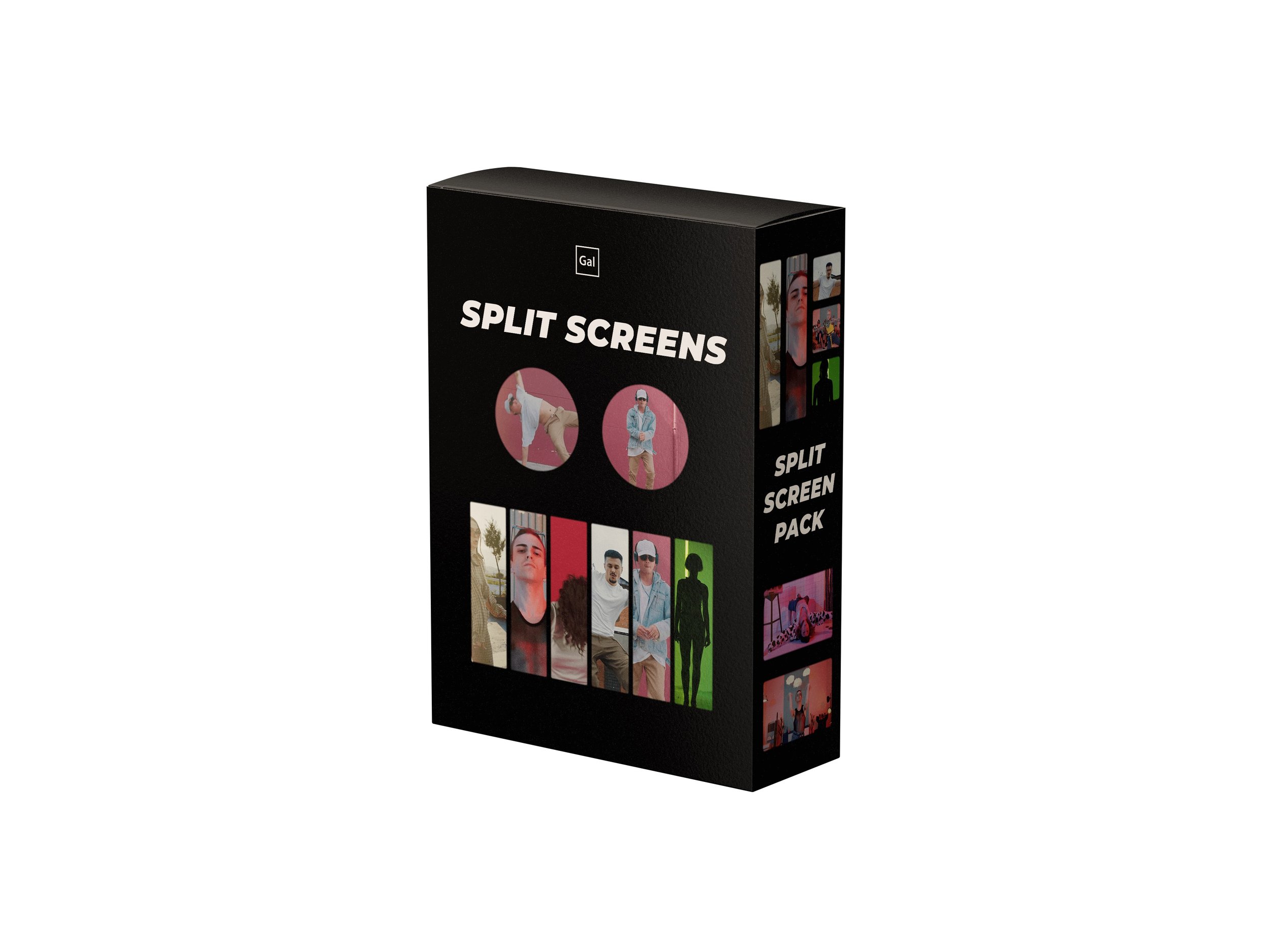
This pack includes 17 creative film split screen variations that will work perfectly for your music videos, title credits, and commercial video edits. Buy once and you can use forever for any type of video, commercial and personal.
The templates are neatly packaged into the following:
Motion Graphics Template (.mogrt) for Premiere Pro’s Essential Graphics Panel
Customize Film Grain and Frame Feathering with the Essential Graphics Panel
PNG files for any video editing software! Import and place in your timeline.
Compatibility:
The .mogrt version of the pack can be used in Adobe Premiere Pro 2020, Version 14 and above.
The .PNG files can be used in any version of Premiere, and in any editing software, like Davinci Resolve, FCPX, Filmora, etc.
CLICK TO WATCH HOW TO IMPORT THE .MOGRT FILE
Split Screen Variations included:
1 Frame
2 Circles
2 Vertical Frames
1 Circle and 2 Frames
3 Multiframes
3 Vertical Frames
4 Horizontal Frames
4 Vertical Frames
5 Multi Frames V1
5 Multi Frames V2
6 Vertical Frames
7 Multi Frames
8 Square Frames
9 Multi Frames
10 Multi Frames
12 Vertical Frames
15 Square Frames
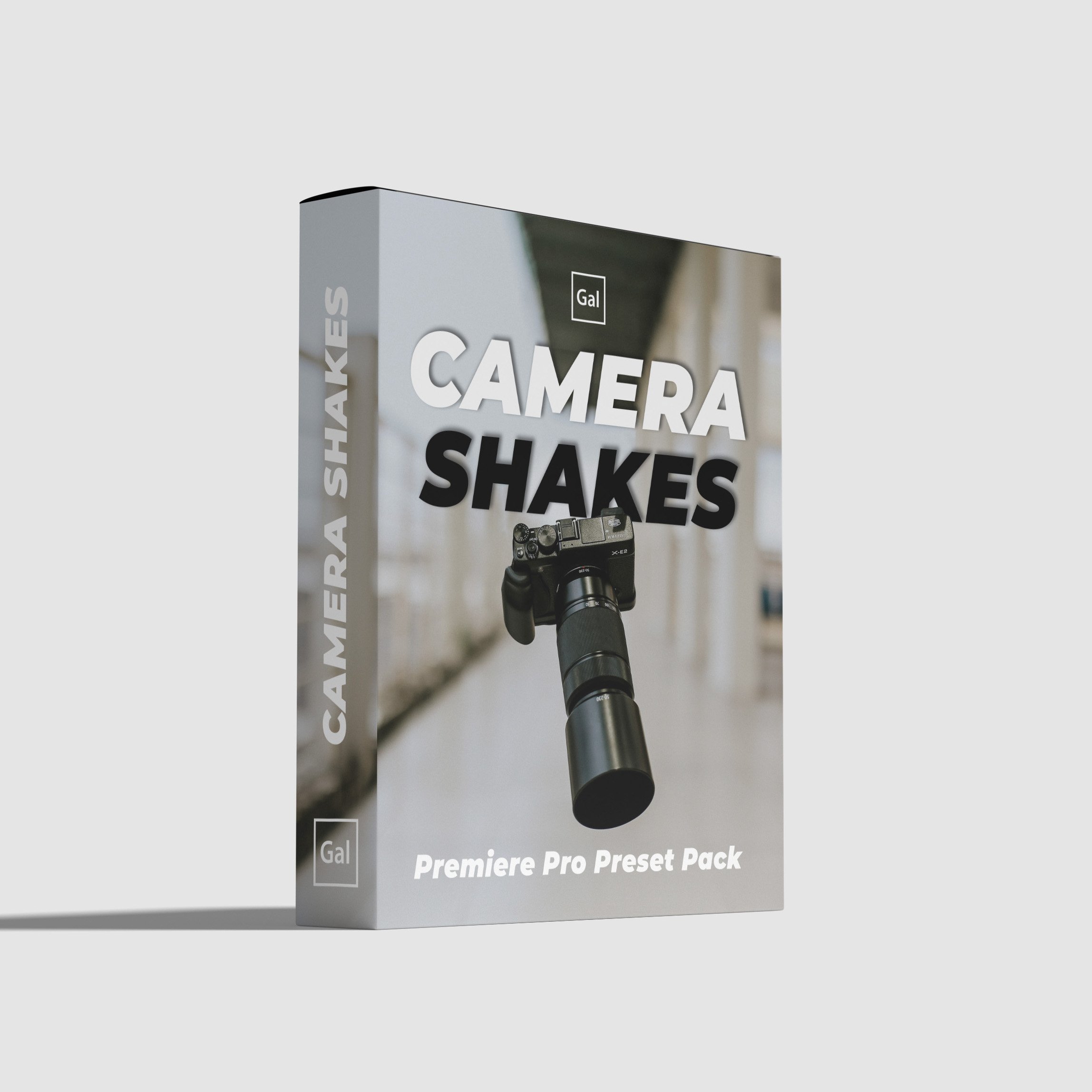
10 Camera Shake Presets for Adobe Premiere Pro. Drag & Drop these presets onto your footage to create realistic shakes and impacts.You can apply the handheld shakes to make it looks like tripod shots were shot handheld or you can apply impact shakes to add dynamism to your edit.
They can be used in sport reels, music videos, YouTube videos, Hollywood films and more.
Works with any resolution and any type of footage!
5 Handheld Shakes
01 Handheld Slow
02 Handheld Medium
03 Handheld Fast
04 Handheld Supershake
05 Handheld Crazyshake
5 Short Impact Shakes (Earthquakes)
01 Impact (10 Frames)
02 Impact (10 Frames)
03 Impact (20 Frames)
04 Impact (20 Frames)
05 Impact (30 Frames)
Software requirements: Adobe Premiere Pro 2022 or above.

This pack includes 9 unique holiday inspiredMotion Graphic Templates (.mogrts).
You can customize the text content, font, colors, & size.
You can also change the color of the graphic elements, such as changing the stocking color to blue or something else!
Each .mogrt was hand-crafted with the text, shape, and pen tools in Premiere Pro.
The .mogrts are optimized for Adobe Premiere Pro 2019+ and are best used with Landscape videos, but they can manually be resized for other sequence sizes.
Instructions
Open up your Premiere Pro 2019+
Go to Window > Essential Graphics
Click on the “+” icon in the lower right of the Essential Graphics Panel to import and install each .mogrt from the “02 MOGRTS file” folder that comes in the pack.
Enjoy!
You can say goodbye to long export times because this super fast & efficient essential title pack was designed in Premiere Pro by Premiere Gal. They require no rendering and smooth playback!
These files are motion graphics templates (.mogrts) that you can drag and drop into your Essential Graphics Panel. You’ll find the following the following types of mogrts in the pack:
Lower Thirds
Typography Cards
Transitions
Call Outs
Bullets
Side Cards
Pop Ups
Arrows
Subscribe Icons
and more
You can customize the following parameters:
Optimized for any resolution!
Change color
Update to any font!
Duration!
Software Compatibility: To be used in Adobe Premiere Pro 2022 or above with the Adobe Creative Cloud.
Licensing:
Freelancers/ Individual / Creators - Buy once and keep forever. You cannot resell or share this pack.
Teams - You must 1 license for editing station. If you have three team members using the pack, you must purchase the pack 3 times.
Education or Enterprise Licensing - Please email contact@premieregal.com for pricing on licensing.